Rawster Audio
BonxVerb
Four reverb engines and a clipper up front. One box.
Perpetual license · free updates · works offline · no account
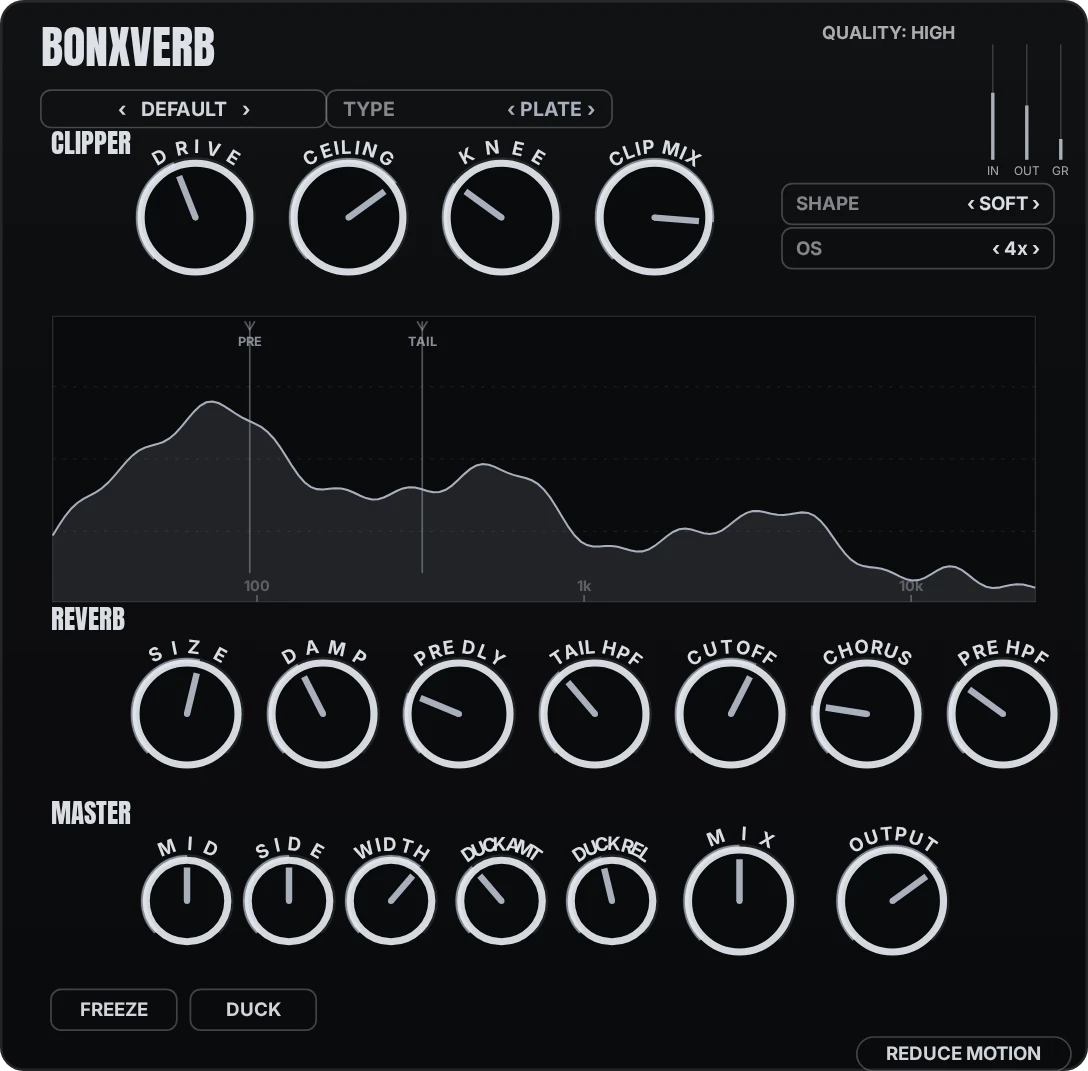
Reverb type: Plate. Each recolors the interface
Hear it
Dry, then through BonxVerb. Same level, no other processing.
Drums · Plate
Keys · Spring
What it is
A multi-engine reverb: Dattorro plate, an eight-line FDN, Moorer early reflections, and a spring, with a clipper on the way in, Shimmer and Lo-fi layers on the way out, and simple or advanced views of the same controls.
01
Four engines
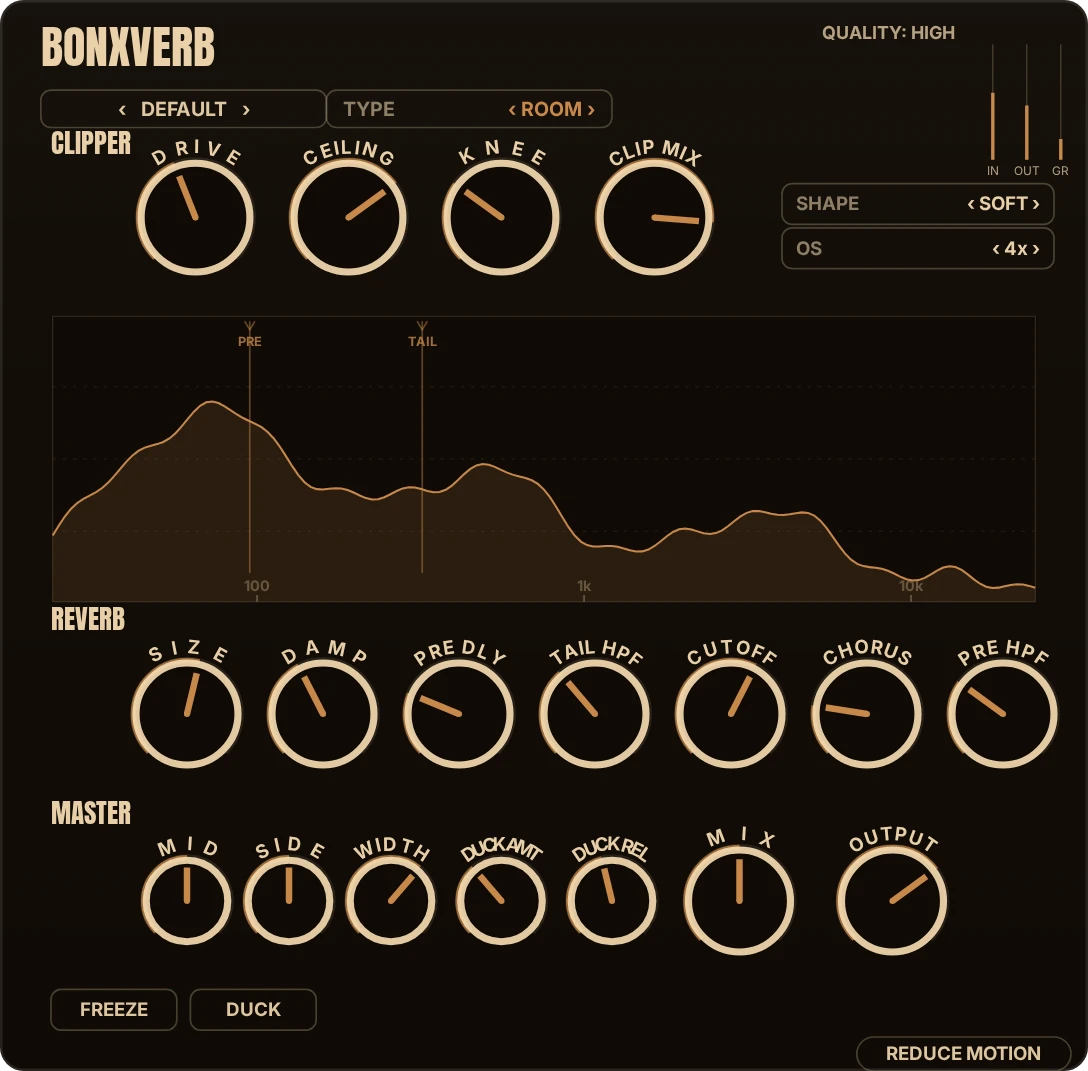
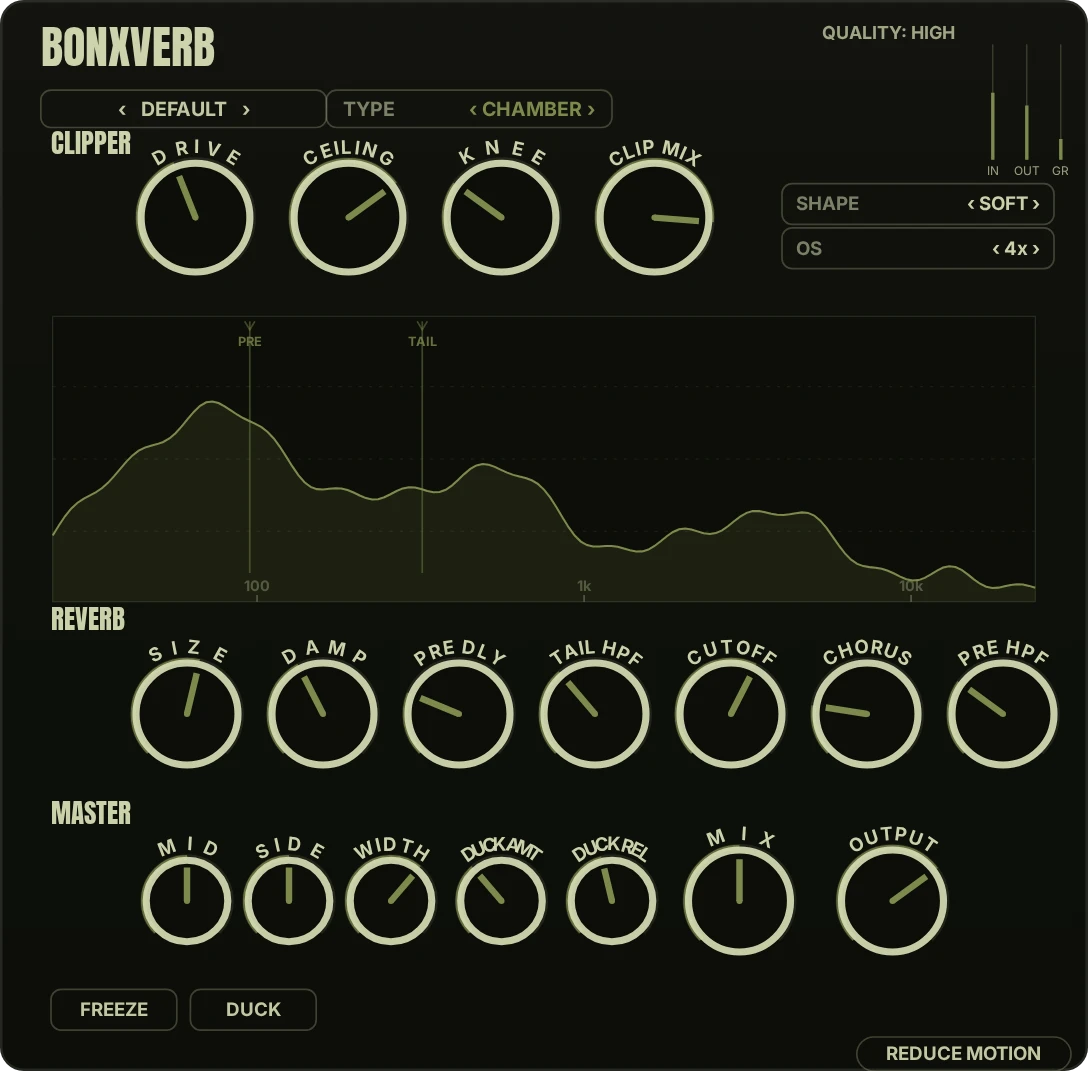
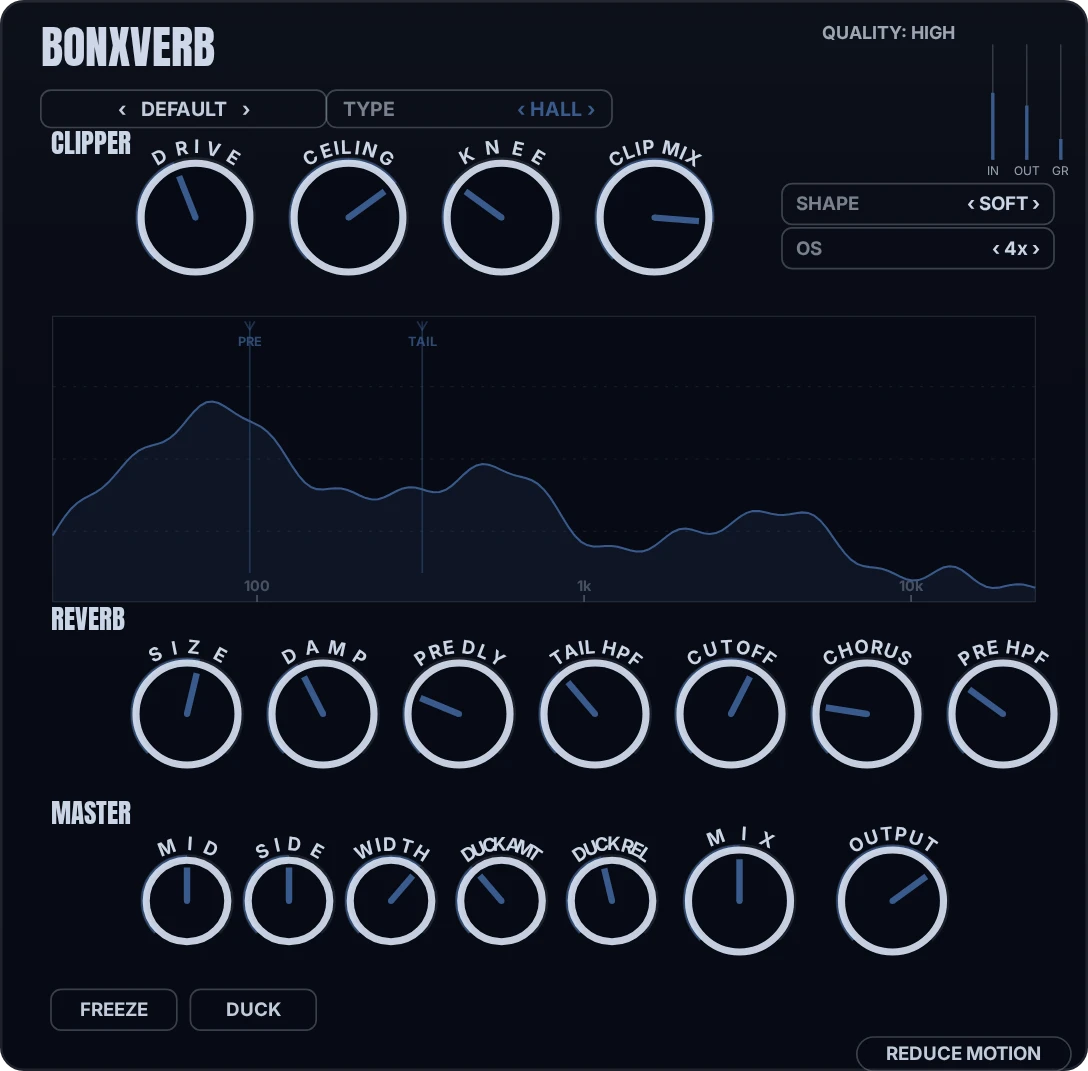
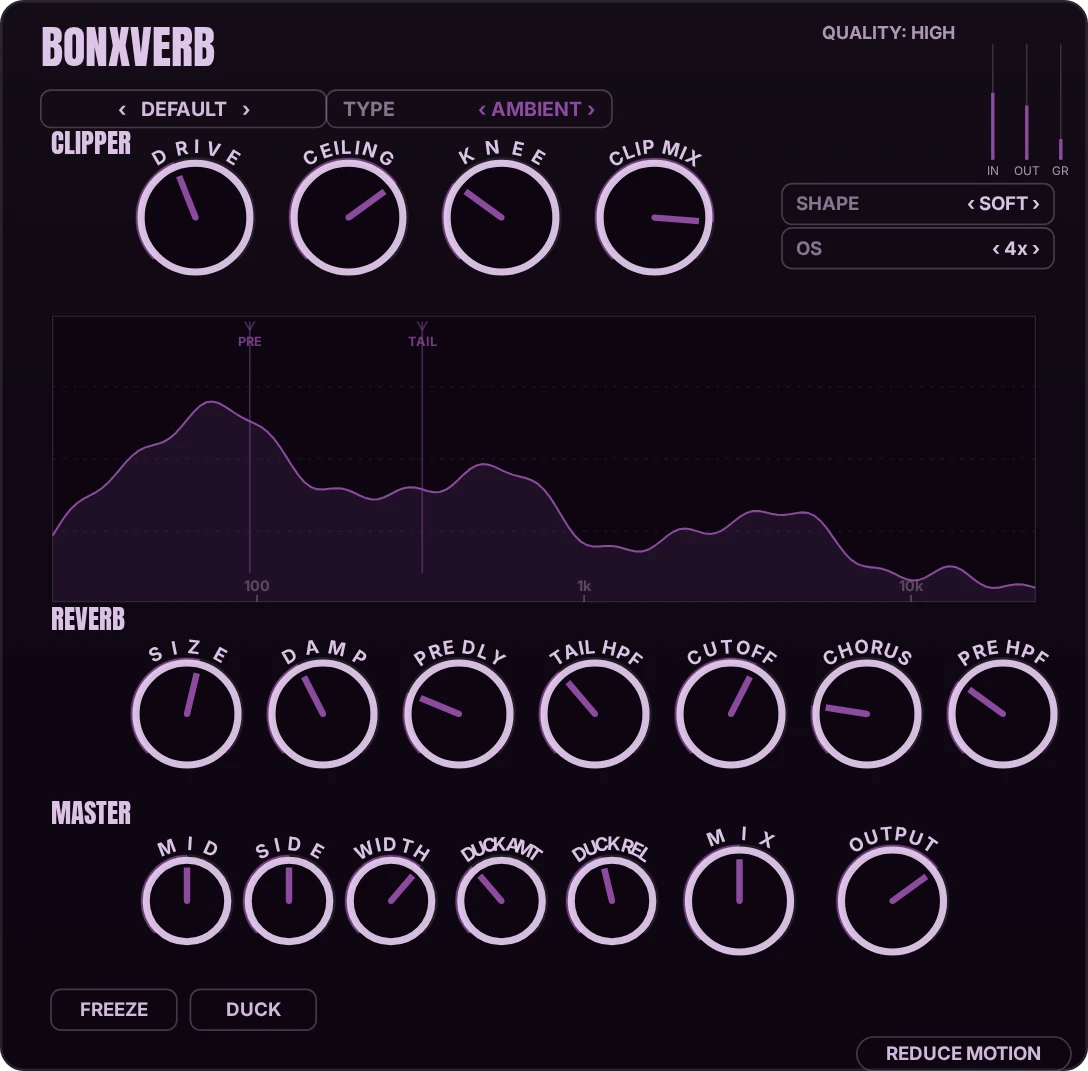
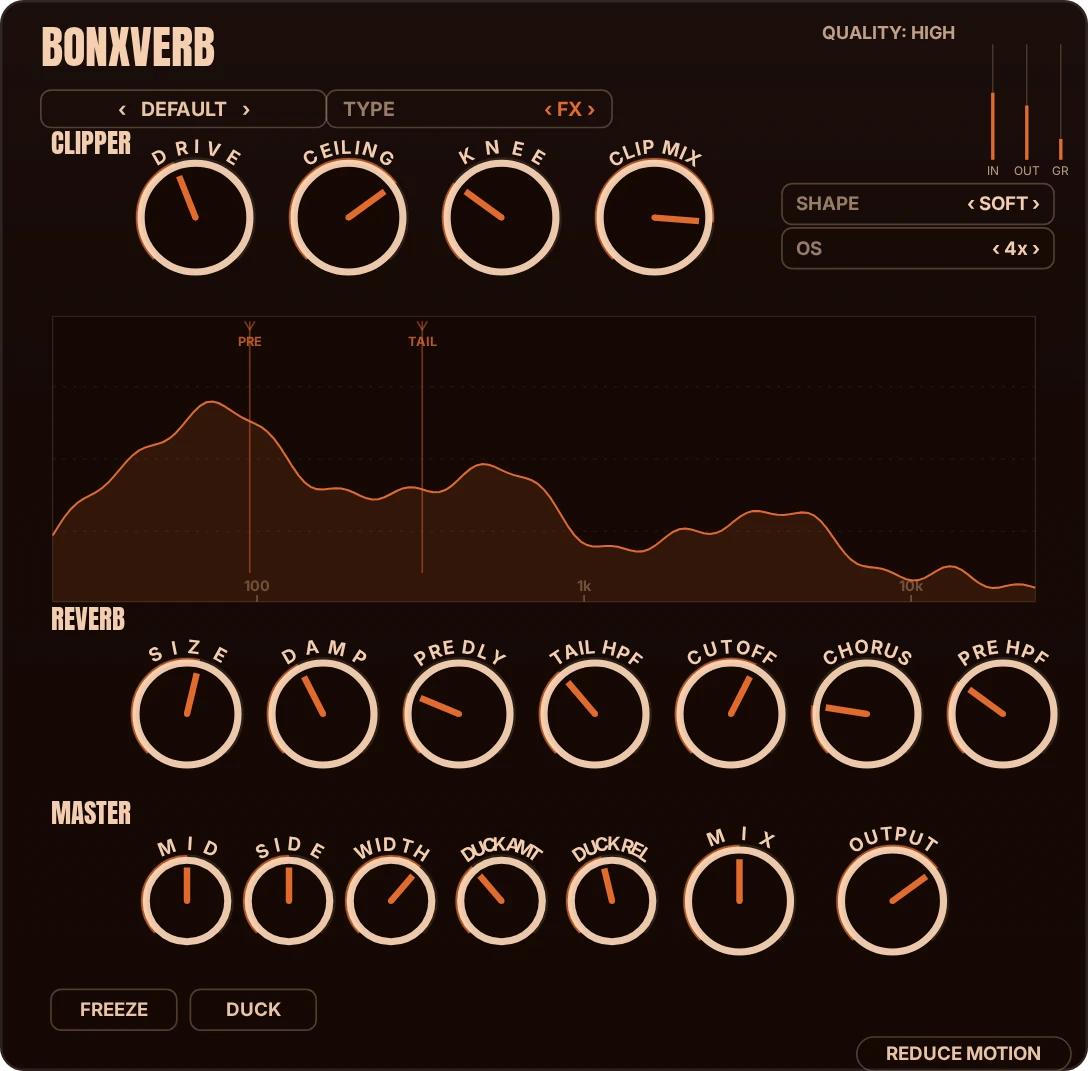
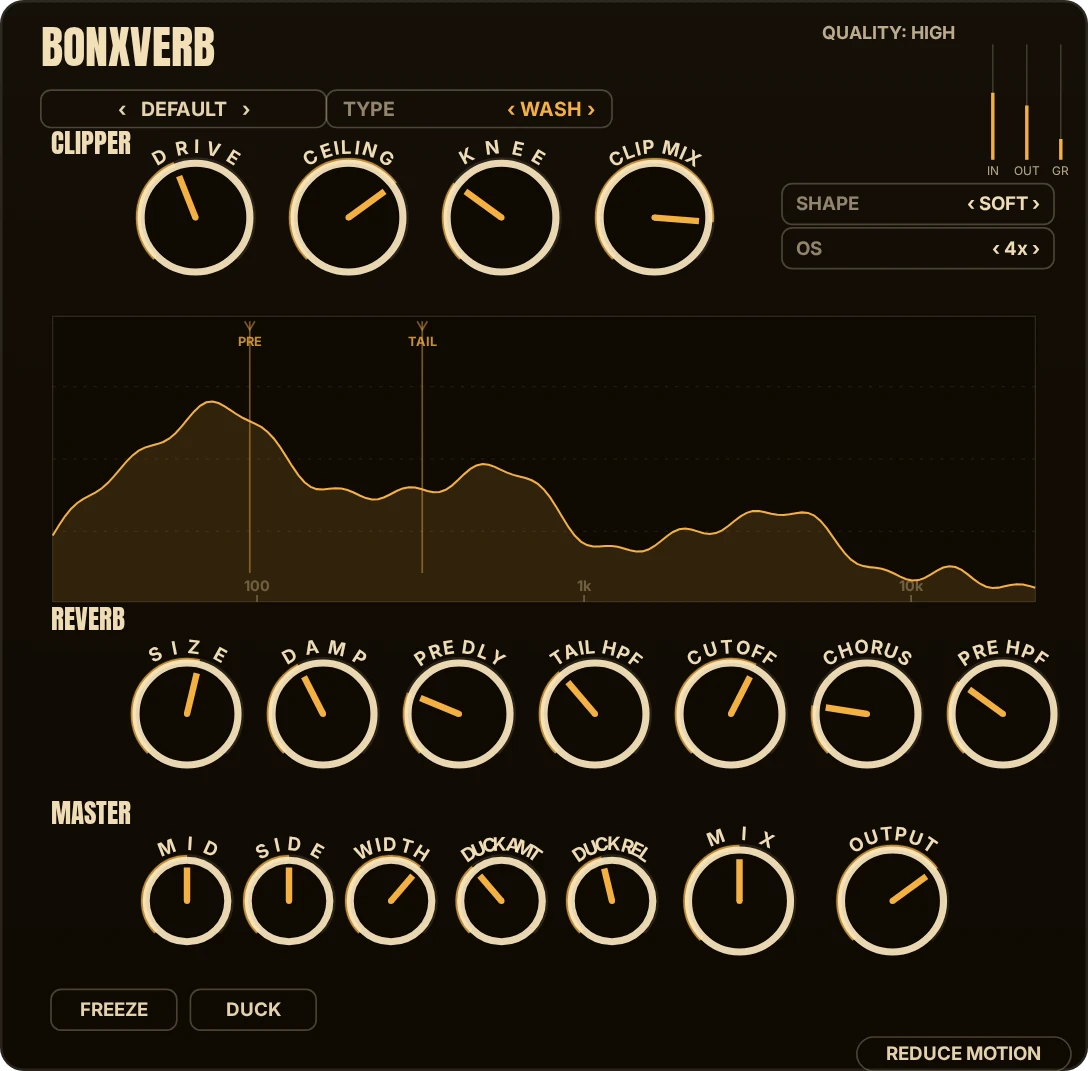
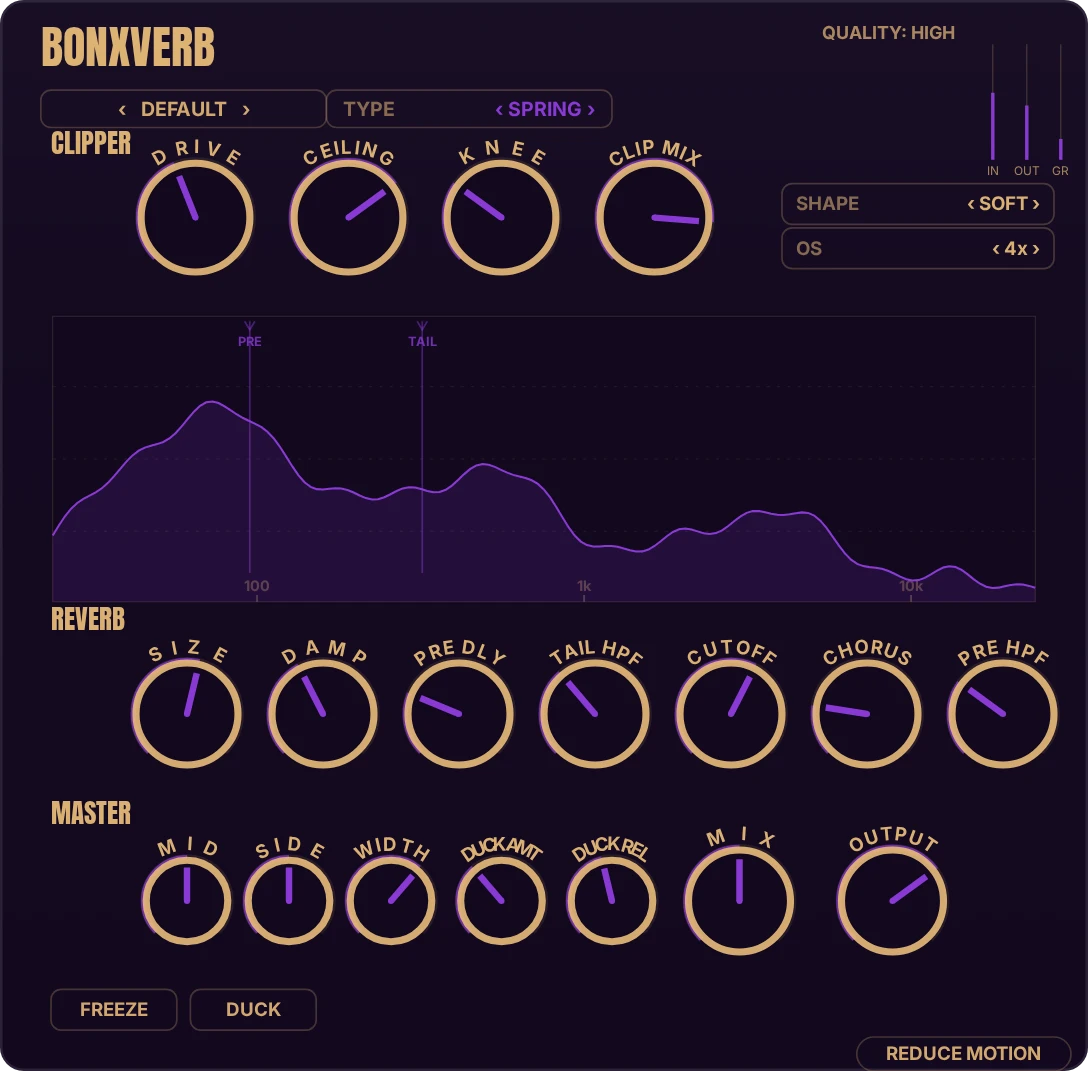
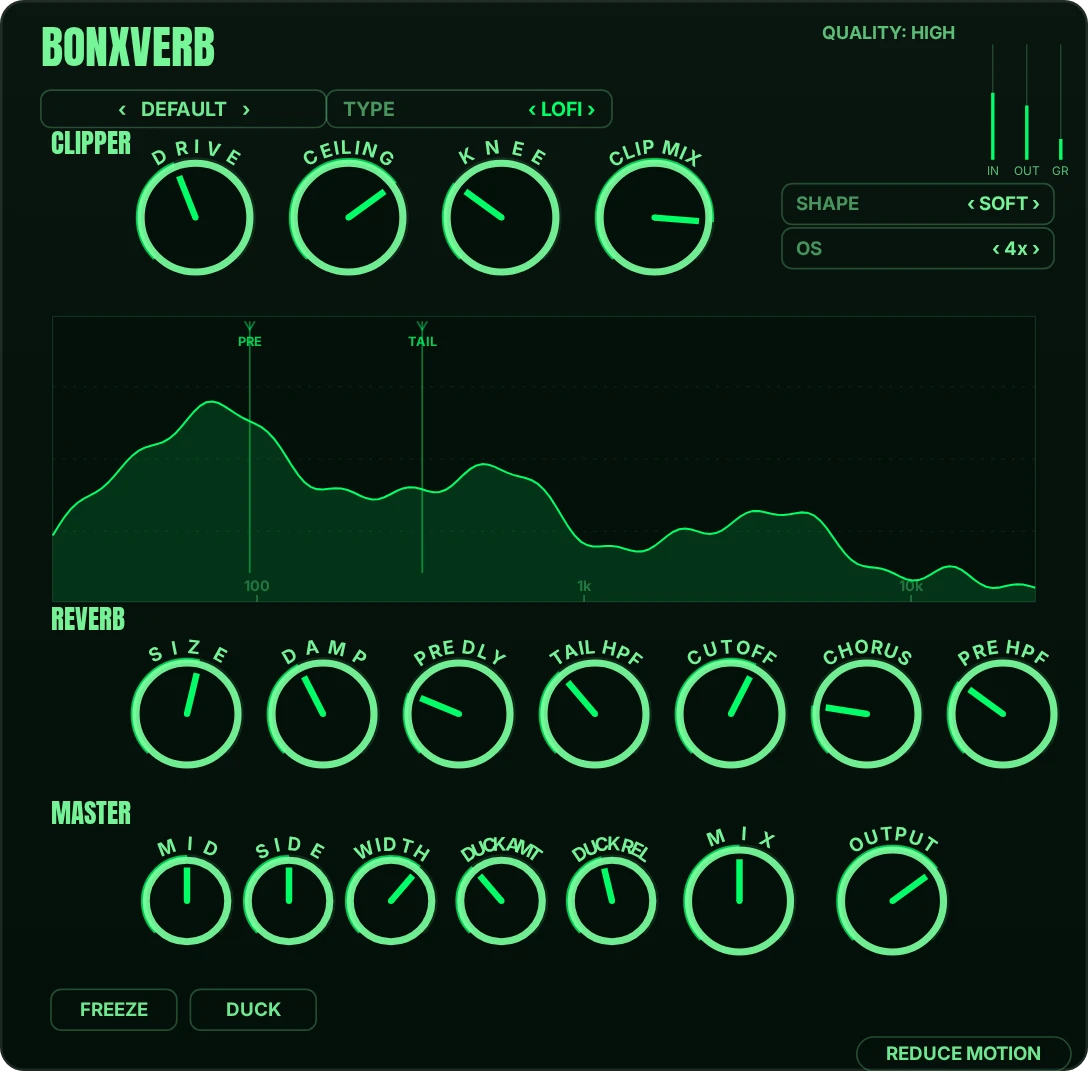
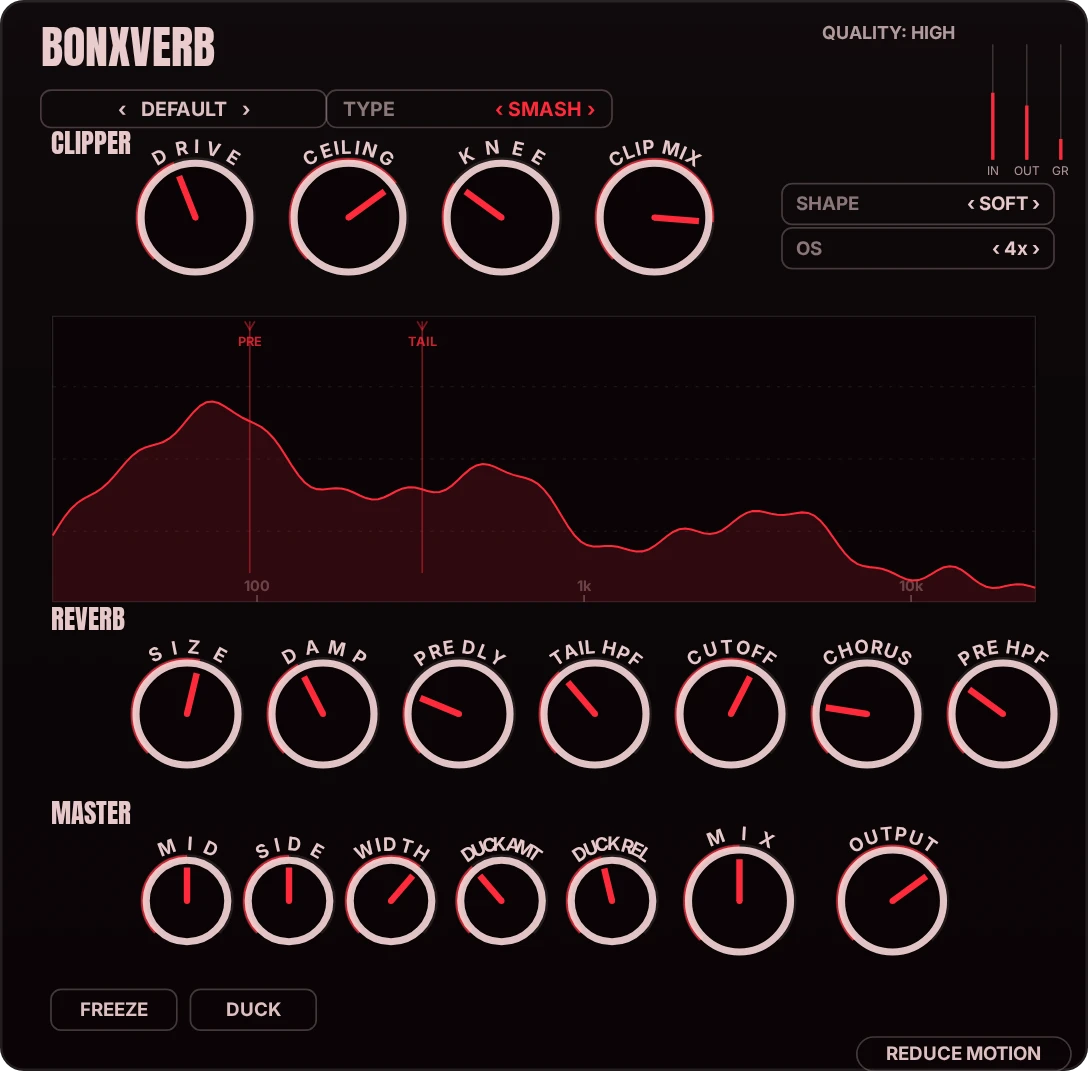
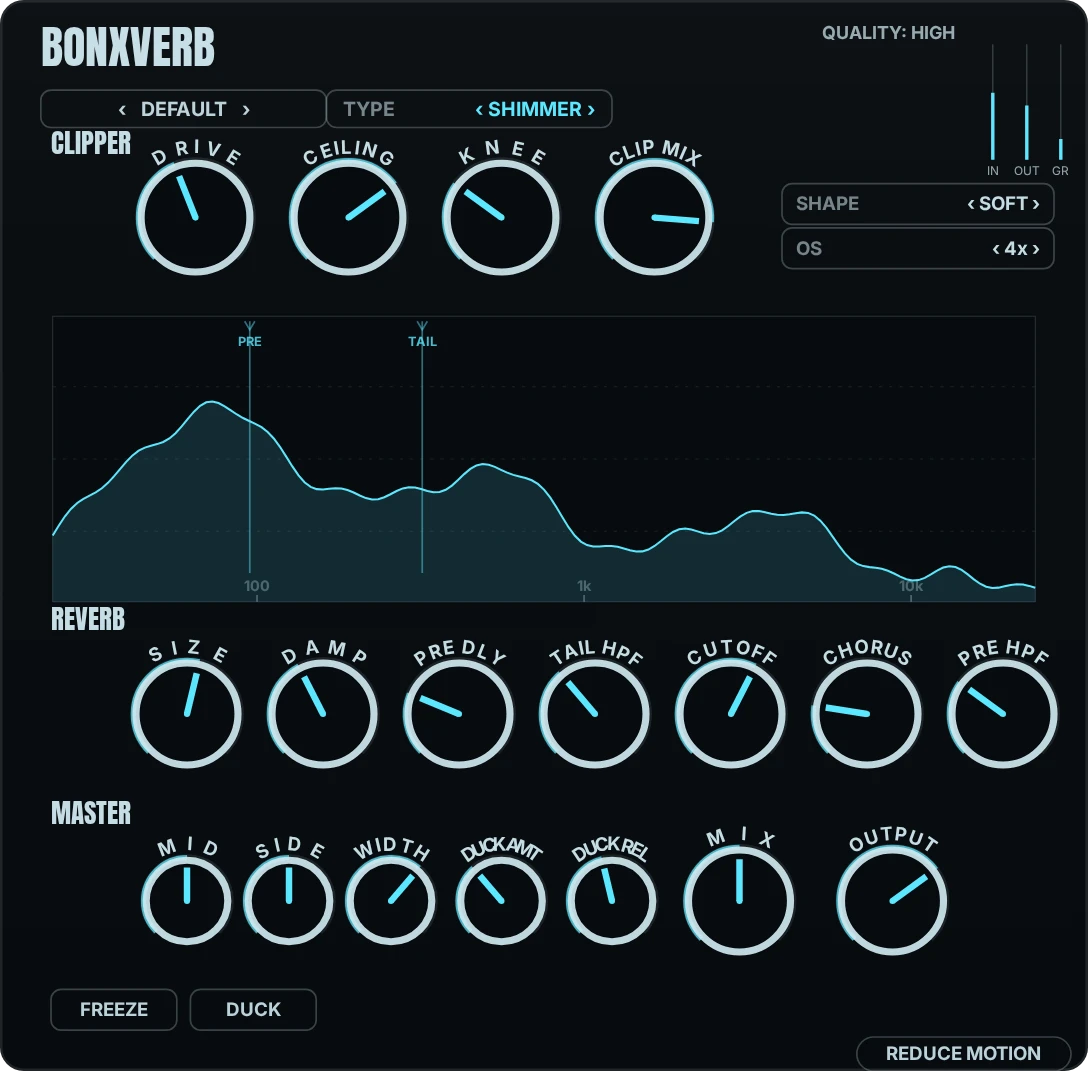
Dattorro plate, an eight-line feedback delay network, Moorer early reflections in room, chamber, and hall flavors, and a spring. Eleven reverb types ride on top (Room to Plate to Shimmer to Smash), and each type re-colors the whole interface, so you always know where you are.
02
A clipper in front
The input stage is a clipper, placed before the tank. Push a signal into it and the reverb receives something denser. Or leave it clean. It's one knob, and it's there because reverbs get fed hot signals whether they like it or not.
03
Shimmer and Lo-fi
Two layers on the tail: Shimmer adds a pitched octave into the feedback path; Lo-fi degrades the tail (rate, bits, and filter) without touching the dry signal. Both are dosed with a single control each.
04
Simple and advanced, same UI
One interface with two depths. The simple view is a handful of controls that cover most sessions. The advanced view opens the full parameter set. Nothing moves between them: the advanced view is the simple view, expanded.
05
A visualizer that keeps up
The display is a live spectrum drawn on the GPU, with markers pinned where your pre and tail filters sit. It stays smooth while your CPU does the actual work, there to show you what the reverb is doing, not to be looked at instead of heard.
06
Your presets
Save, name, and recall your own. Factory presets cover the engines; yours live in a plain folder you can back up and move between machines.
Eleven engines, eleven colors
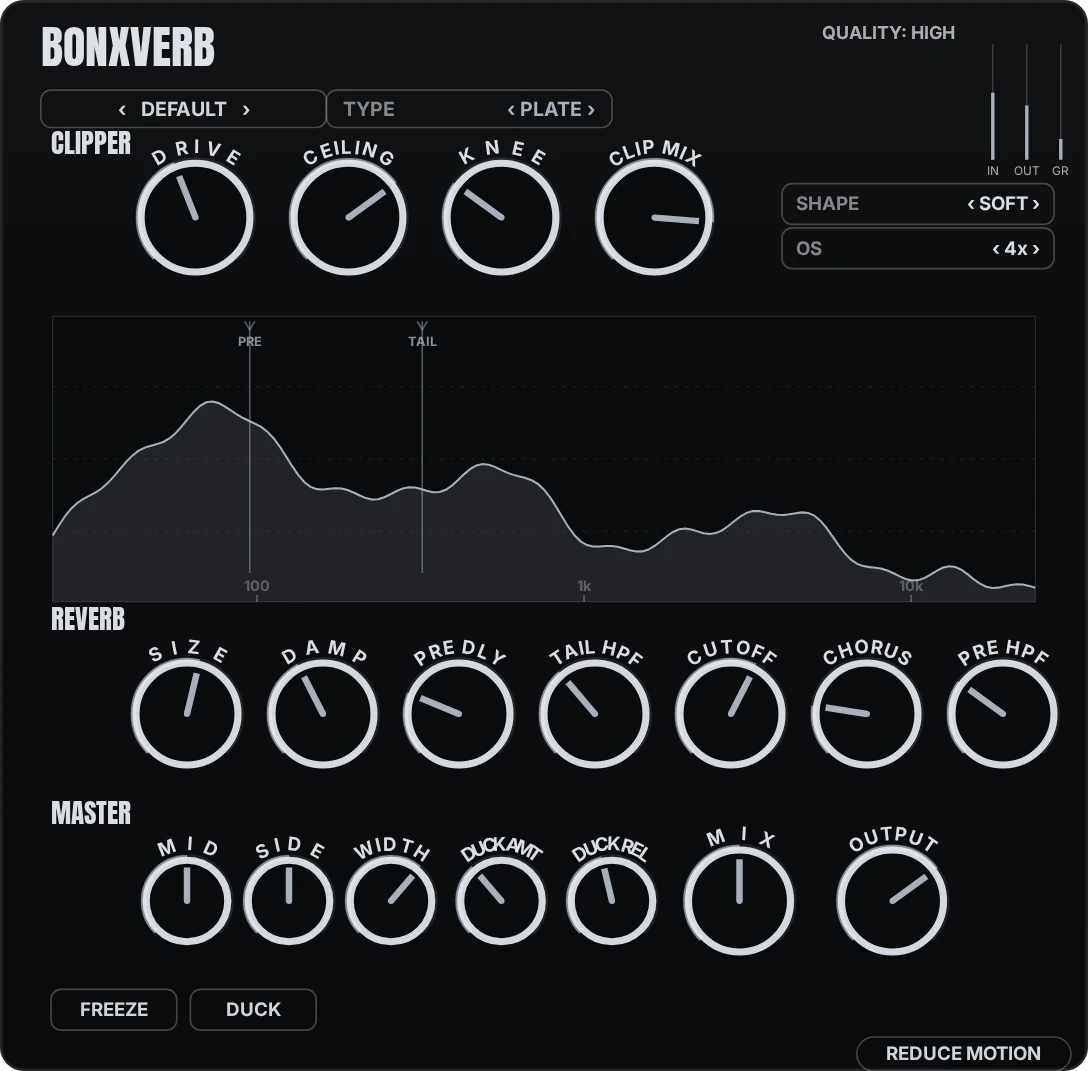
BonxVerb keys its whole interface to the reverb type you're on: plate, hall, spring, shimmer, and eight more. Each is a different tank and a different color, so you read the room you're in by feel, not by squinting at a label. Try them on the plugin above.
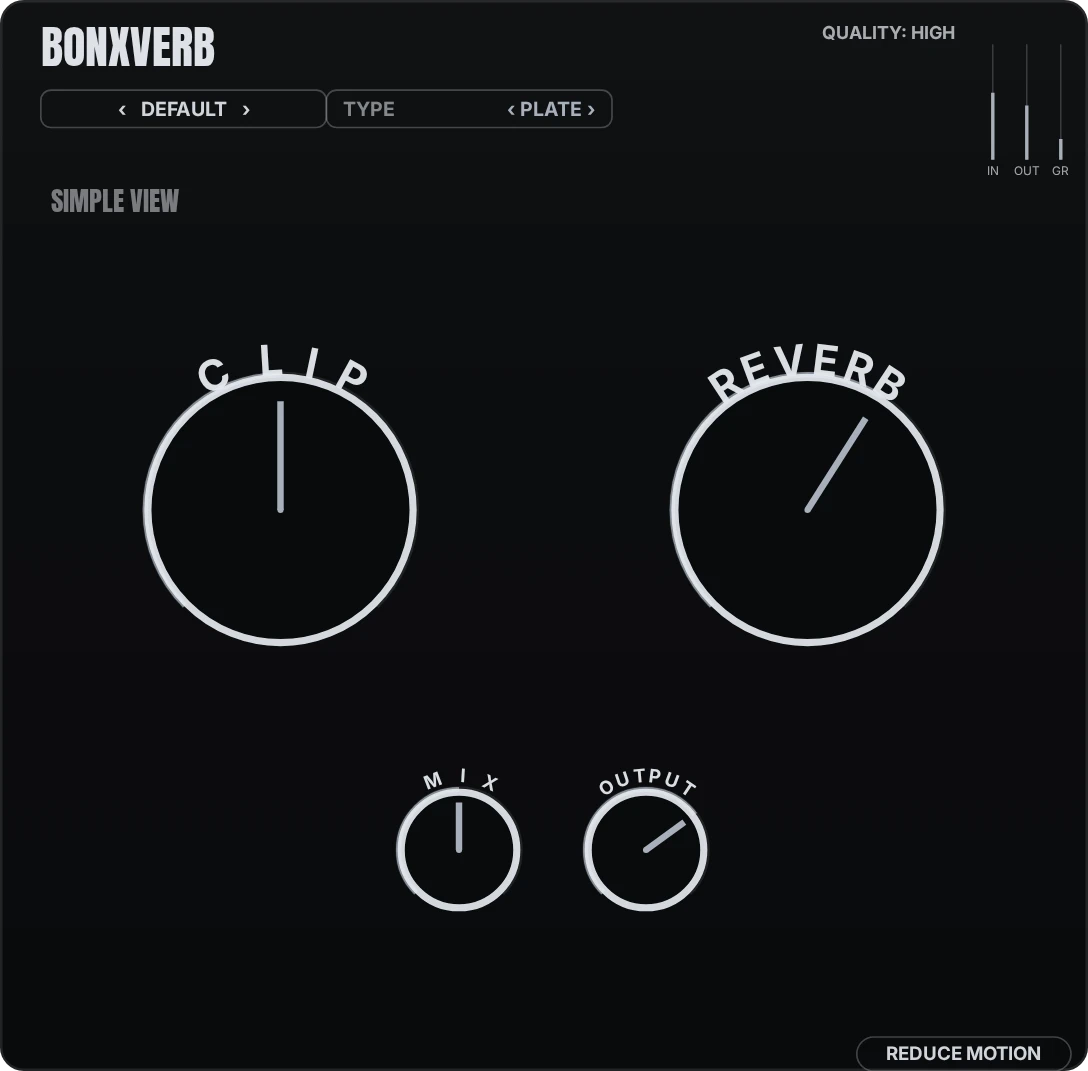
Two knobs or twenty
The simple view is two macros (Clip and Reverb) for when you want a sound, not a session. The advanced view opens the full set: the clipper stage, every reverb parameter, mid/side width, ducking. It's one plugin with two depths, and nothing moves between them; the advanced view is the simple view, expanded.
Specs
- Formats
- VST3, AU
- Windows
- Windows 10 or later (64-bit)
- macOS
- macOS 11 or later (Intel + Apple silicon, universal)
- DAWs tested
- Reaper, Ableton Live, FL Studio, Logic Pro
- Download size
- {FILE_SIZE}
- Current version
- 0.3.0
Runs in any host that loads VST3 or AU. Changelog ships with each release.
Questions
How does activation work?
Your key arrives by email after purchase. Open the plugin, click the "Demo Mode" badge, paste the key, click Activate. It verifies offline: no account, no activation server. Full walkthrough on the activation page.
How many machines can I use it on?
Every machine you personally use. The license is per person, not per computer. Your key is signed to your email address.
Does it work offline?
Completely. The plugin never connects to anything: activation, use, everything works on a machine with no network at all.
What's the refund policy?
14 days. Email support from your purchase address and the payment provider processes it. The demo has no time limit, so you can also just take as long as you need before buying.
Are updates paid?
No. Updates are free. You bought it; it's yours.
What's the difference between the demo and the paid version?
Nothing, except the license. Same installer, all features. Unlicensed, the output dips for about half a second every 45 seconds or so. Paste a key and the dips stop.
BonxVerb · $30
Perpetual license, free updates, offline activation. Your key arrives by email within minutes. 14-day refund policy.
- Download free demo
Windows
BonxVerb-0.3.0-win-x64.exe
SHA-256
{SHA256_WIN} - Download free demo
macOS
BonxVerb-0.3.0-macos-universal.pkg
SHA-256
{SHA256_MAC}
The demo is the same installer as the licensed BonxVerb; buying never requires a re-download. Checksums are published alongside each signed installer; verify before running.